TD Bill Manager
UX/Product Design
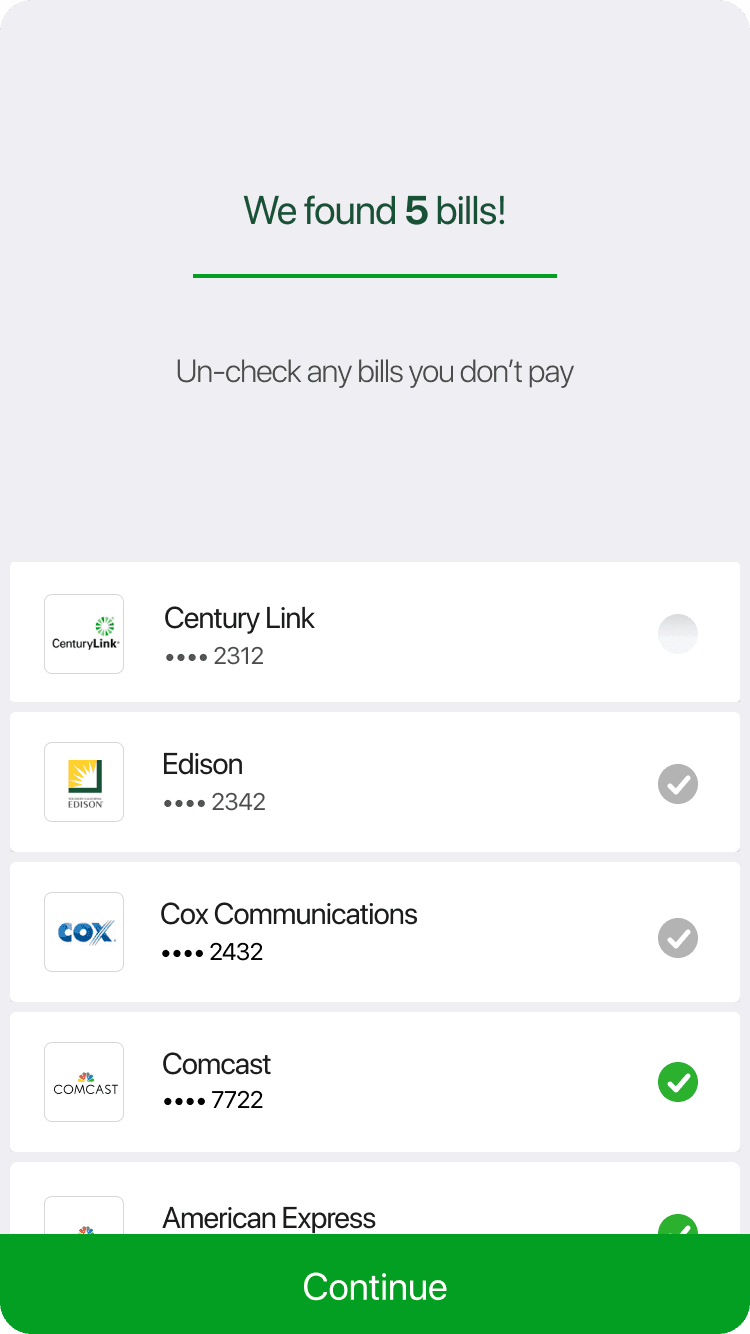
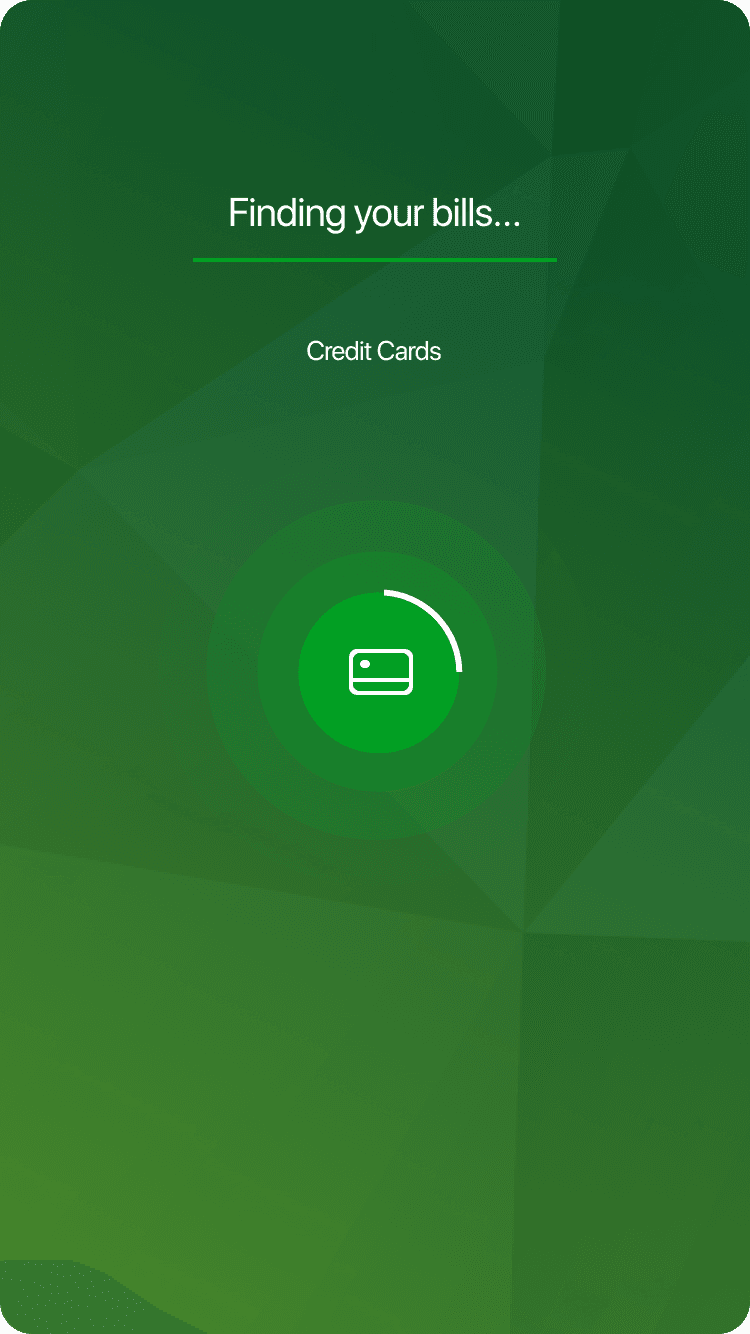
TD Bill Pay lets U.S. banking customers pay bills from their TD Bank account, set up electronic billing, and manage payments through ACH transfers or paper checks. This project improved biller enrollment by helping users find billers automatically through a vendor-powered search using name and mailing address, reducing manual entry during setup.
Client
TD Canada Trust US Banking
Role
UI Designer
Duration
4 months
My role
My primary role was to design the new UI elements needed for the experience. The work required a visual language that felt fresh while still fitting within the existing app.
Onboarding Flow
Onboarding into the new experience
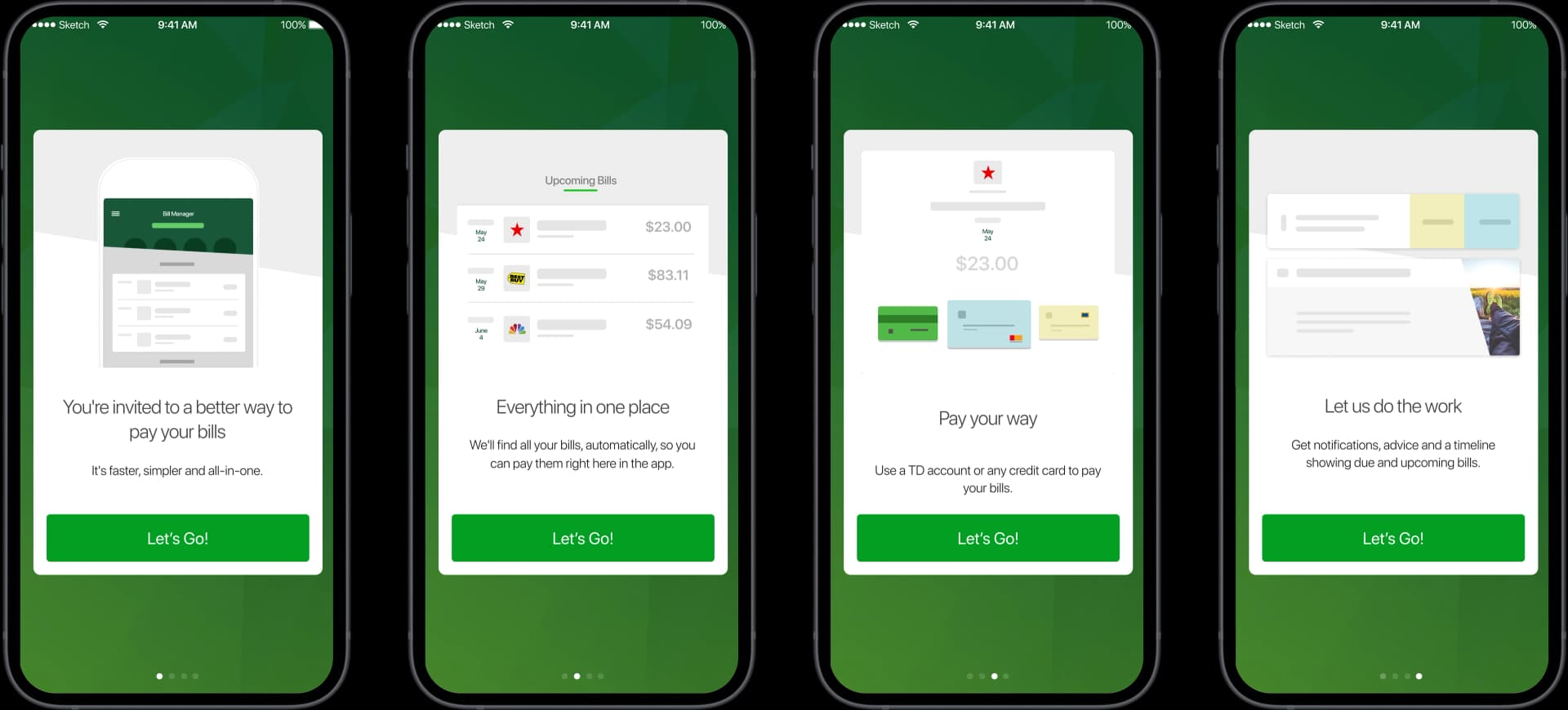
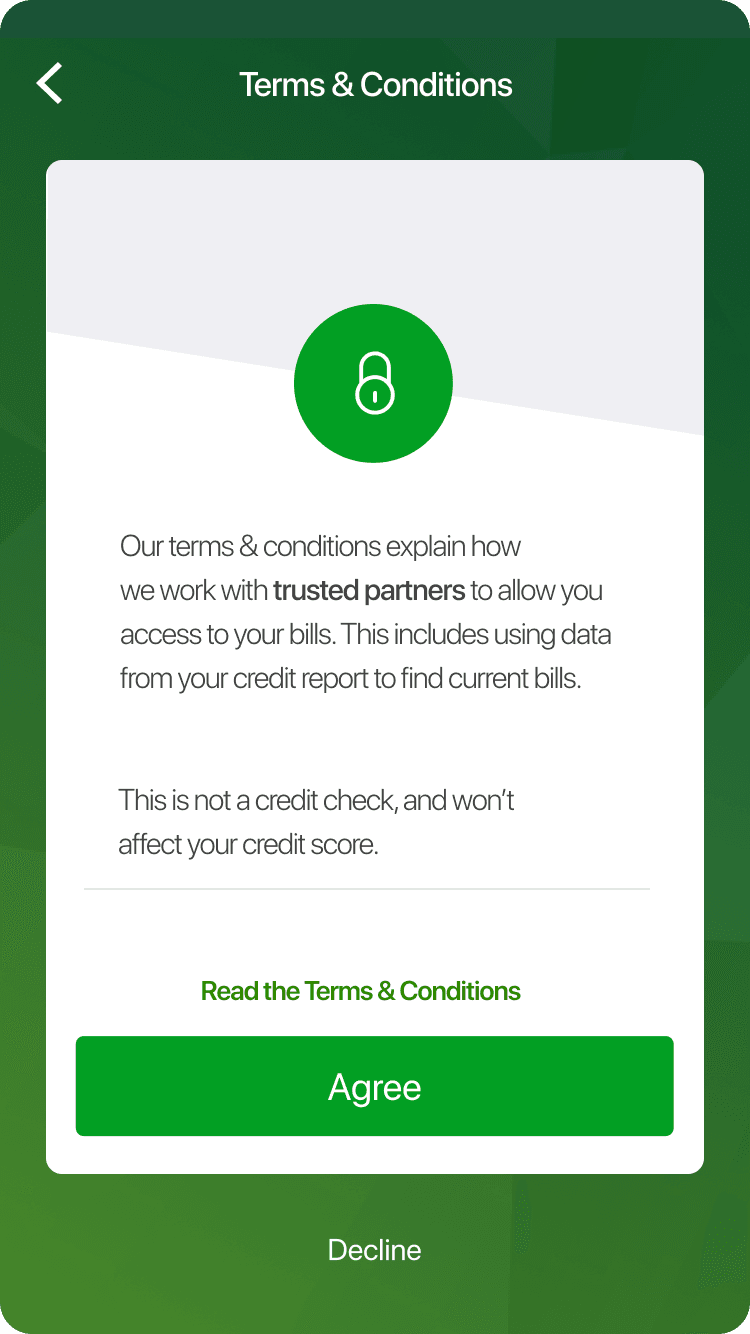
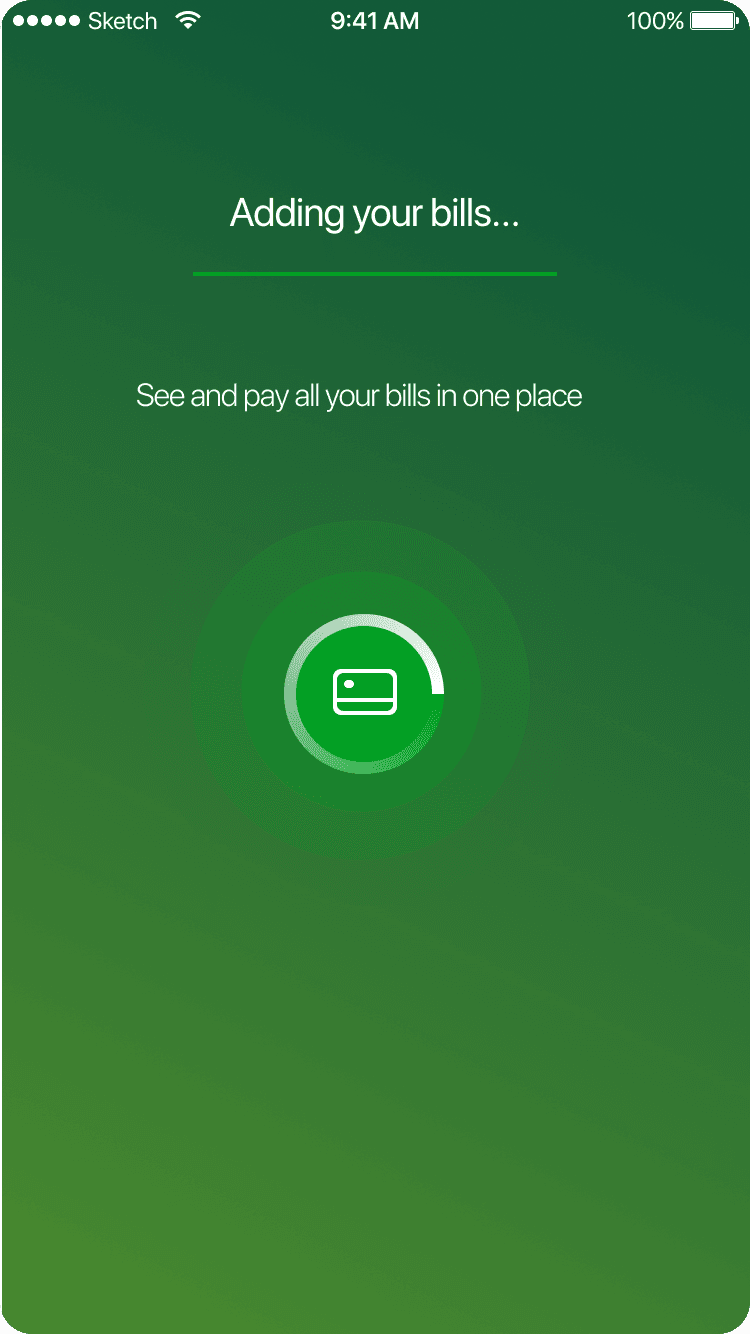
TD U.S. Banking app users could already pay bills, so the team needed a simple way to introduce and enroll users in the improved experience. The onboarding explained the benefits, then let users start the automatic bill search with a single "Let's Go" action.
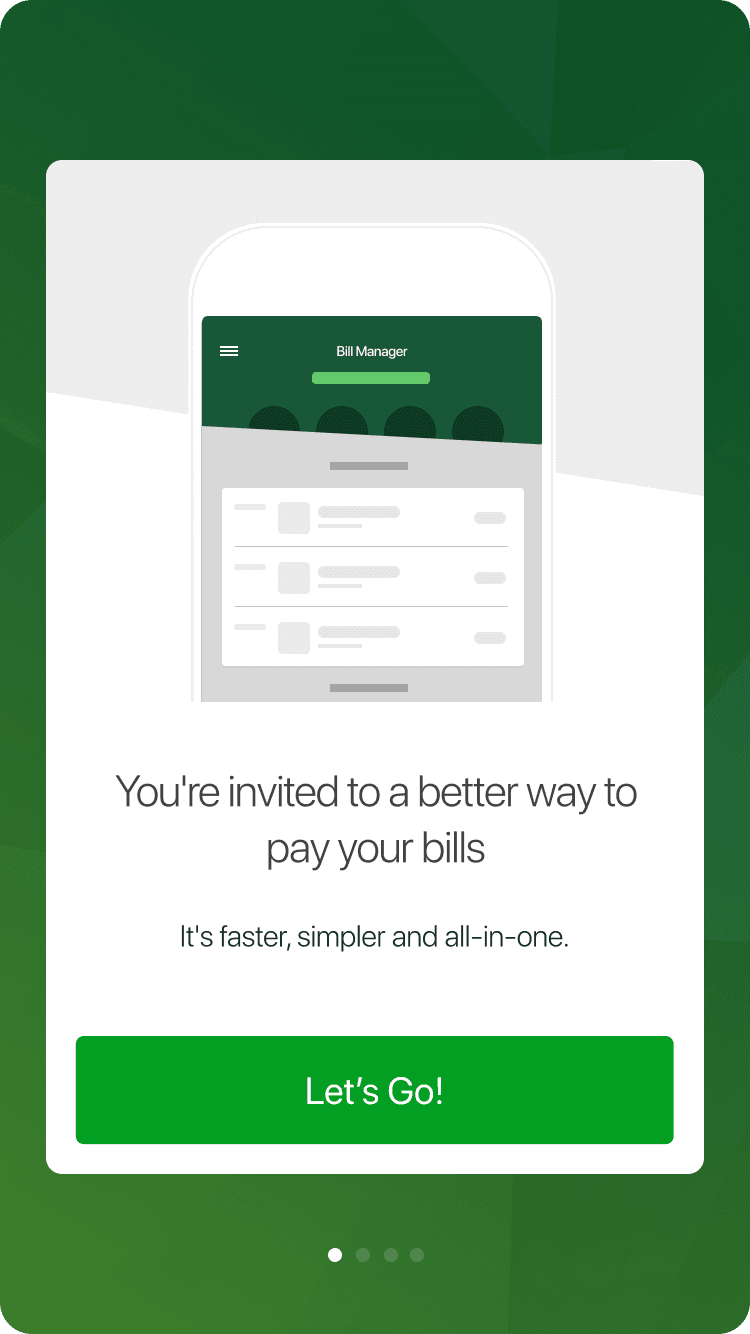
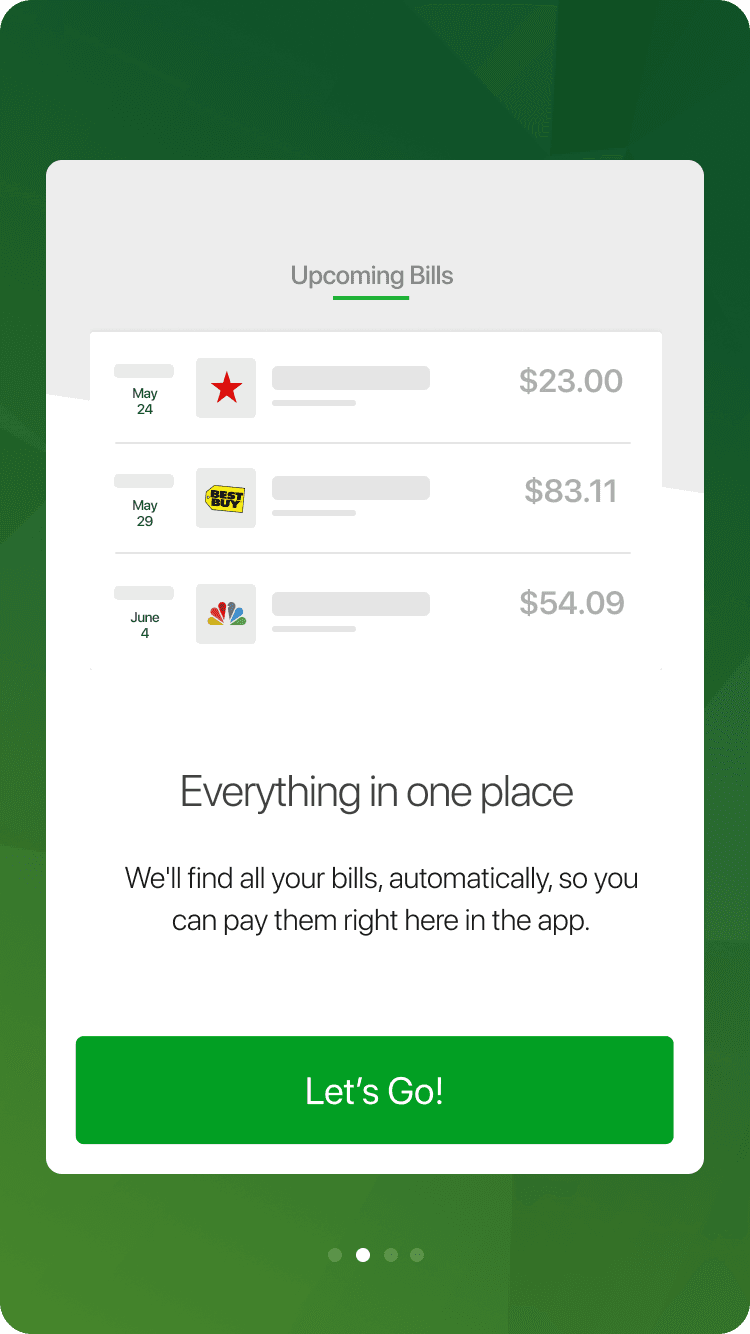
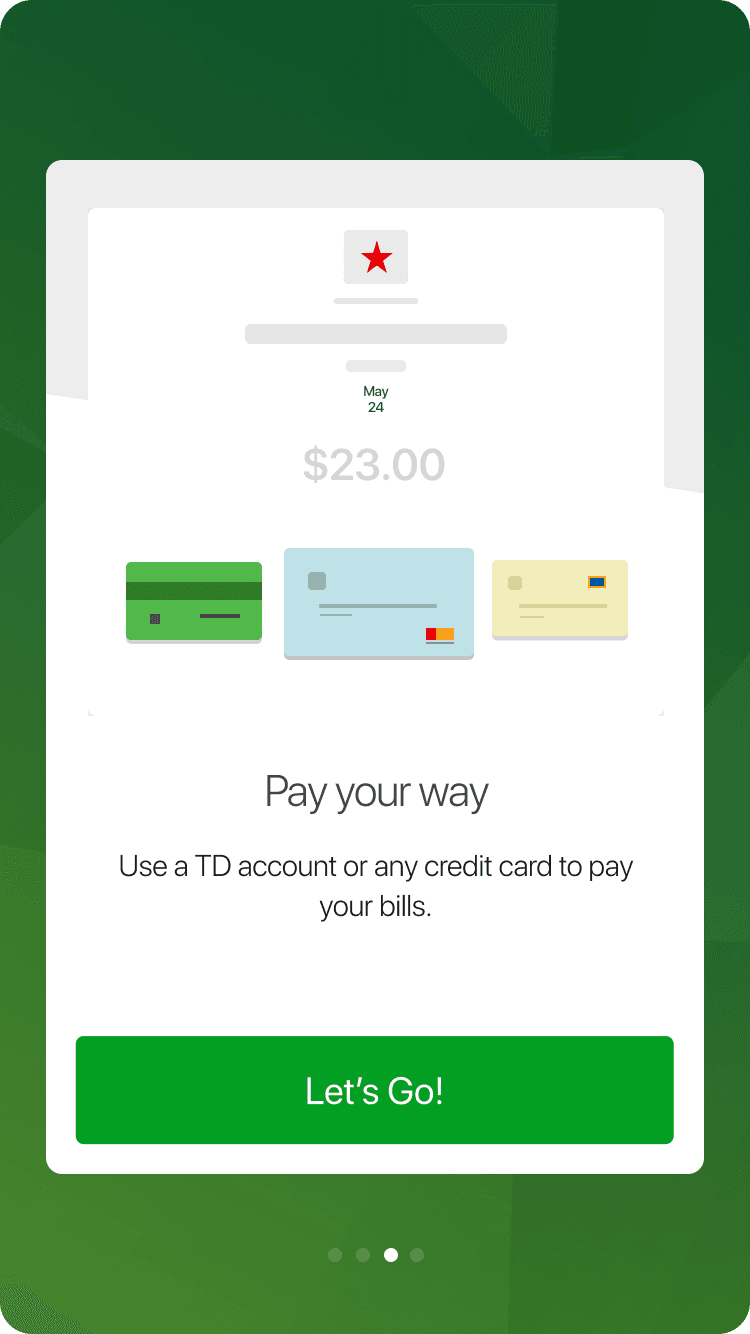
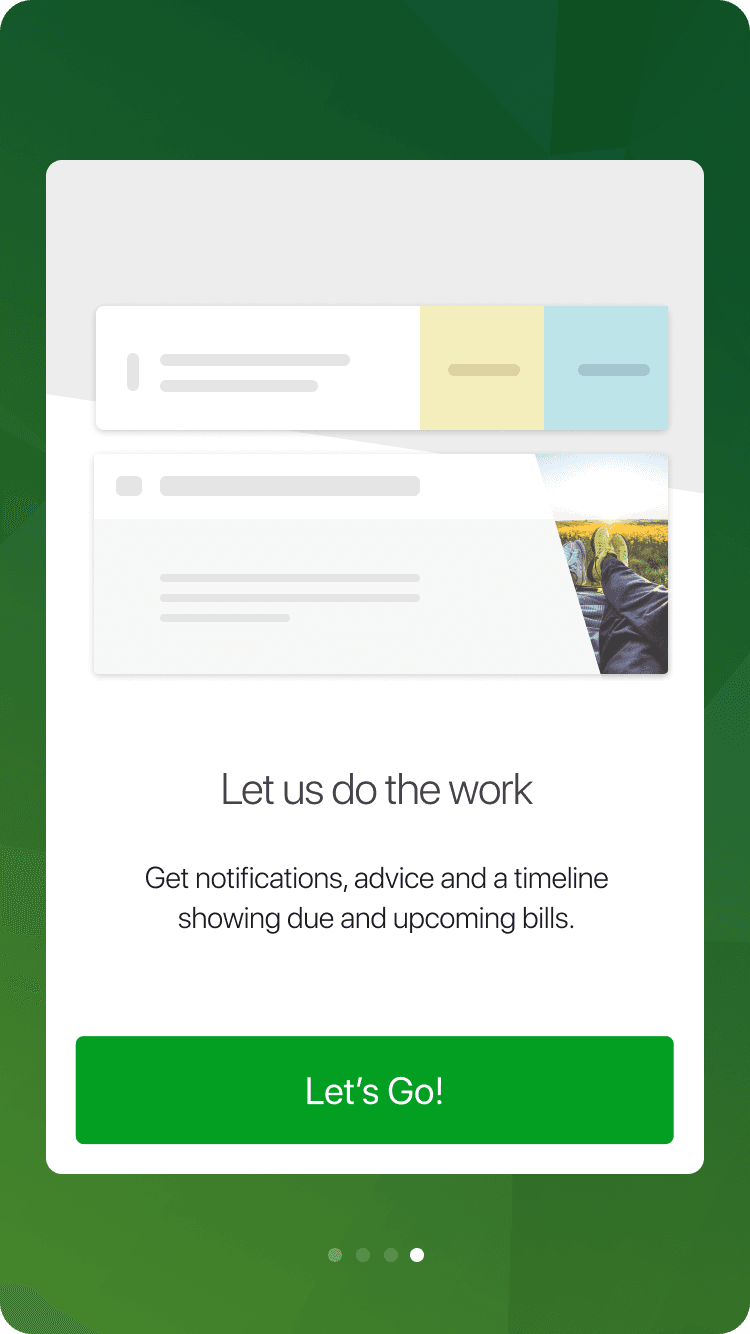
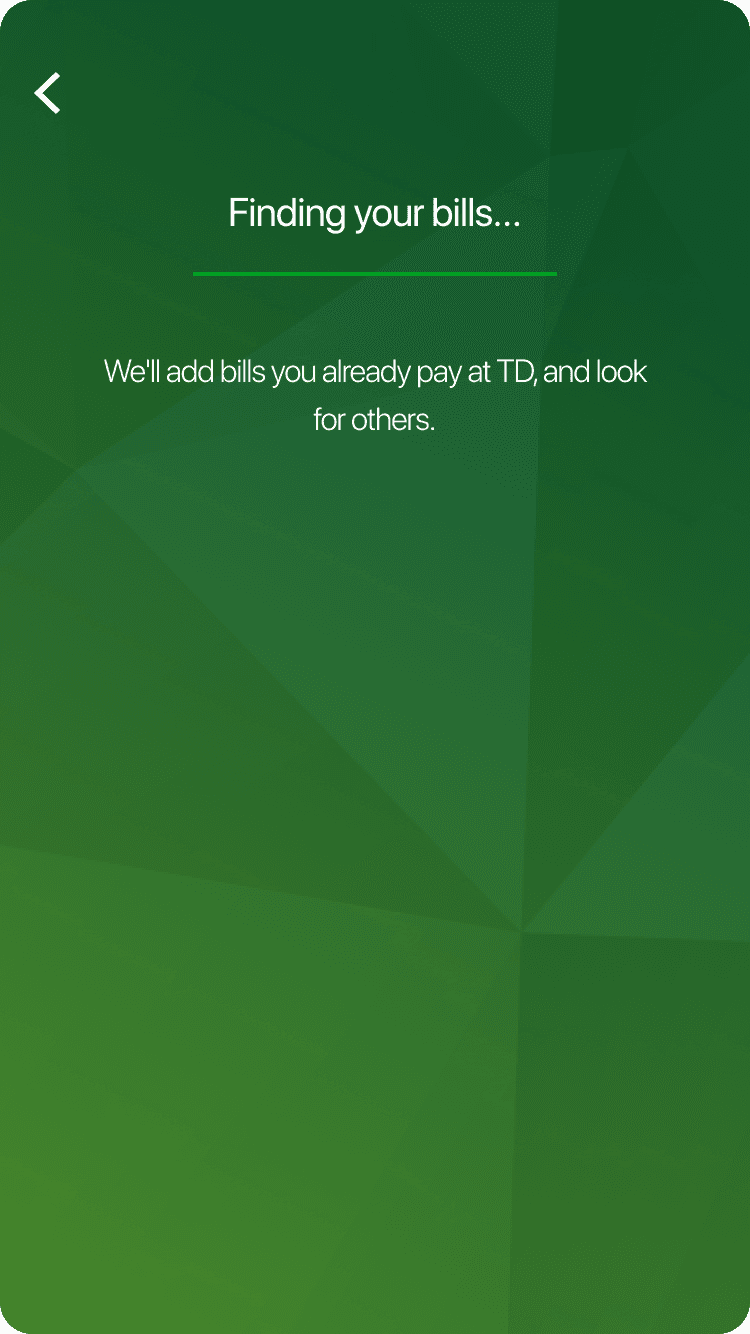
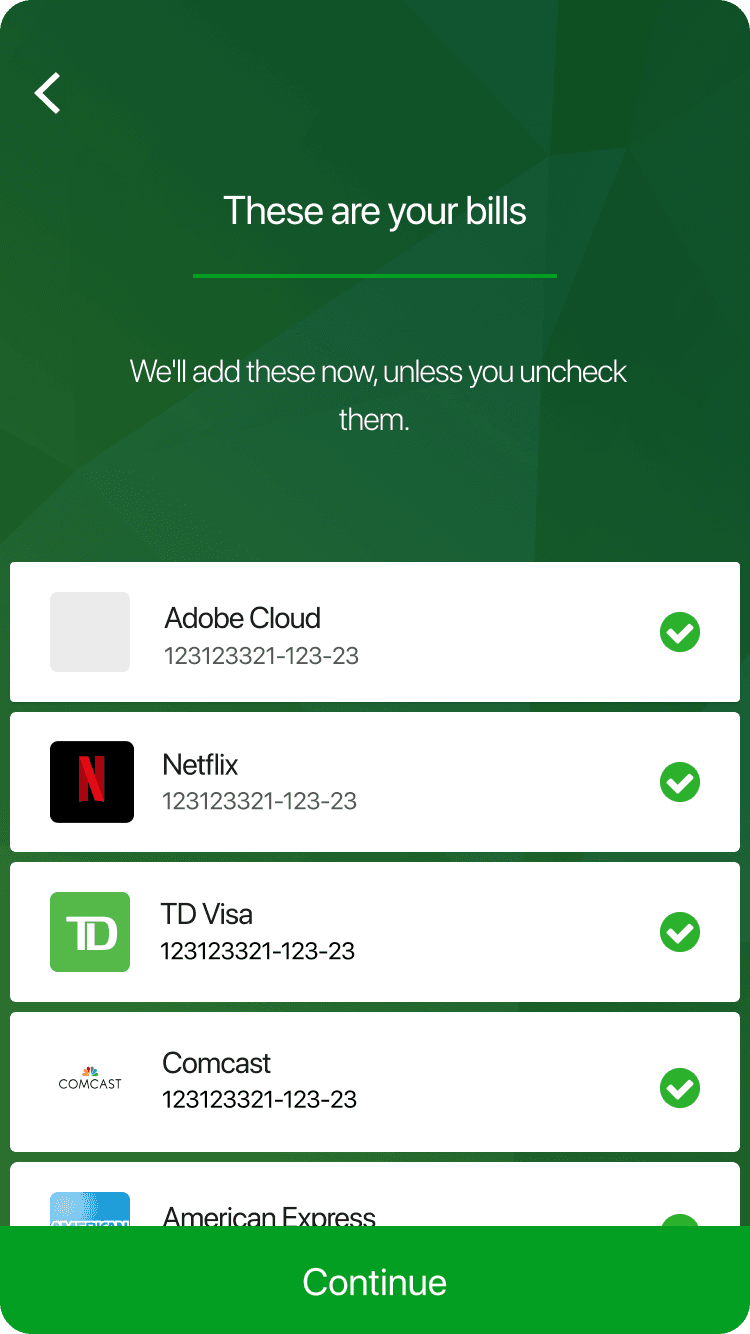
Onboarding Experience - A
Testing the onboarding experience
We tested two onboarding flows. In the first, users enrolled and accepted terms before learning more about the feature. In the second, terms and conditions appeared earlier, followed by feature education.
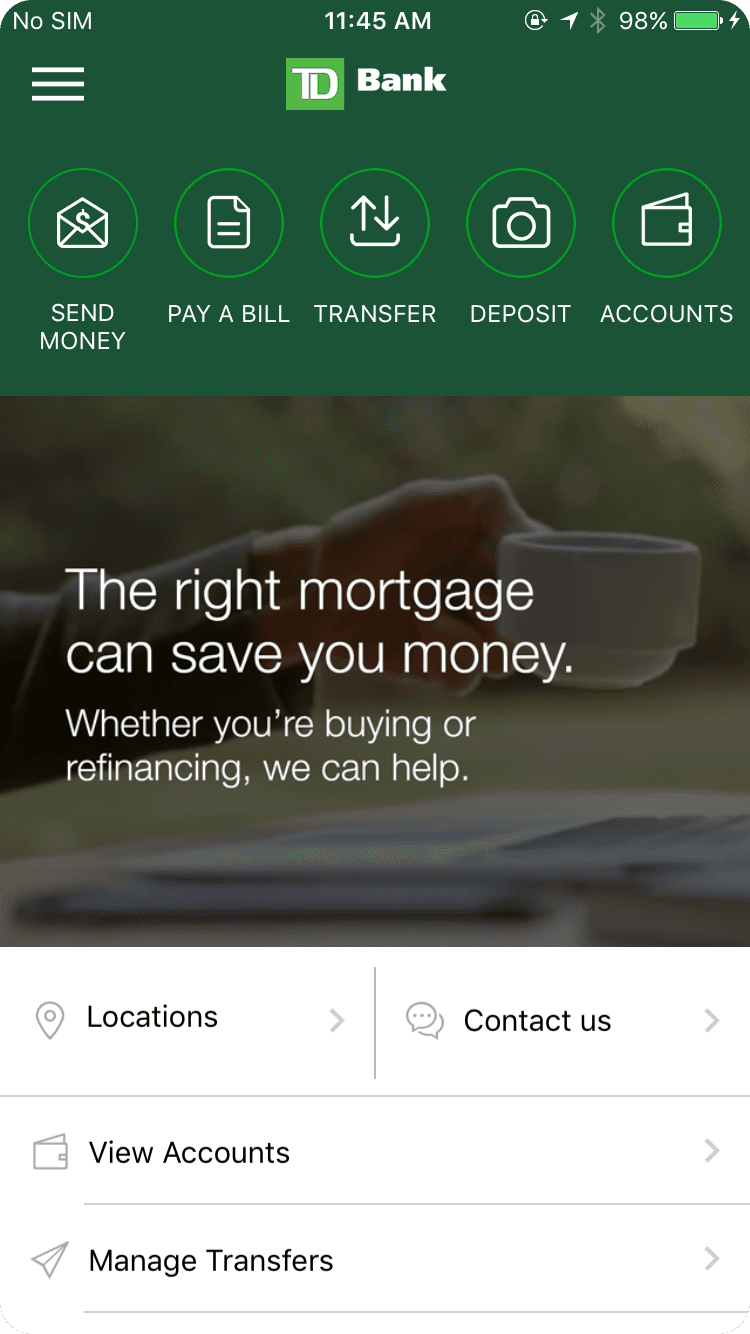
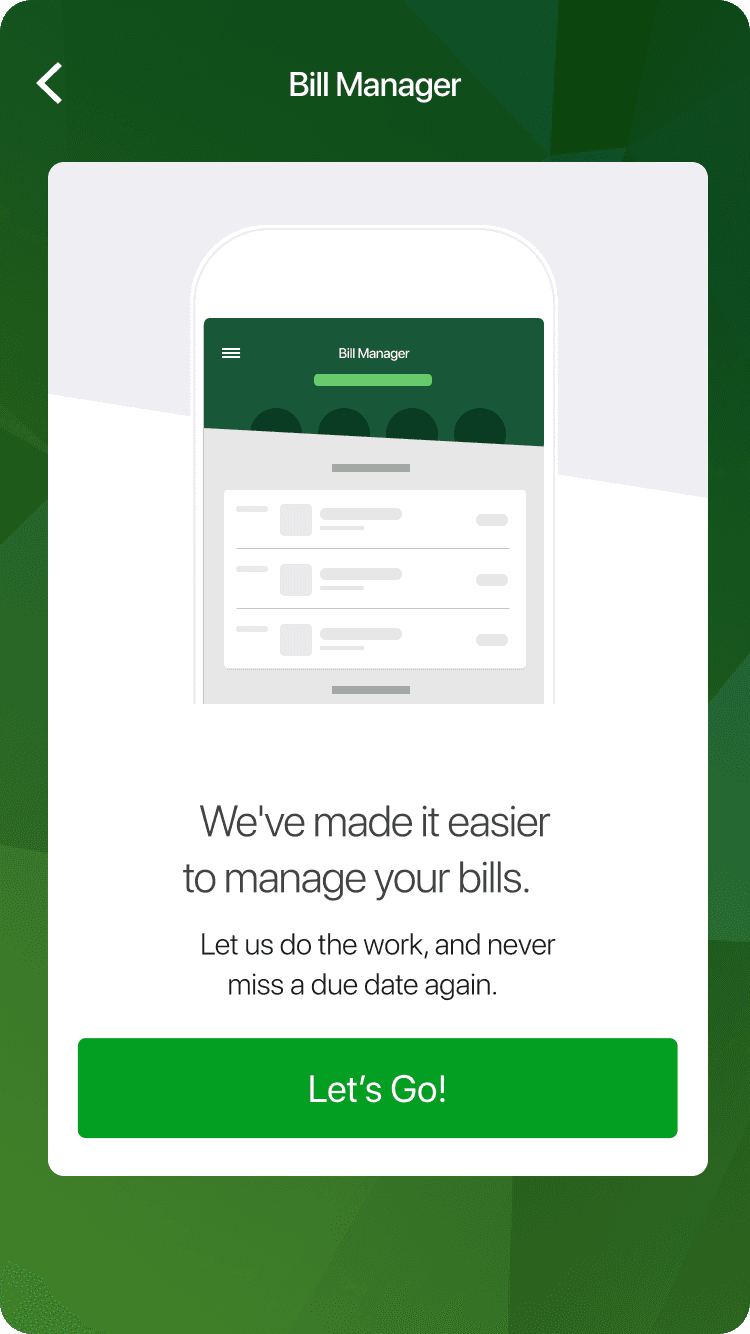
Onboarding Experience - B
Adding new billers
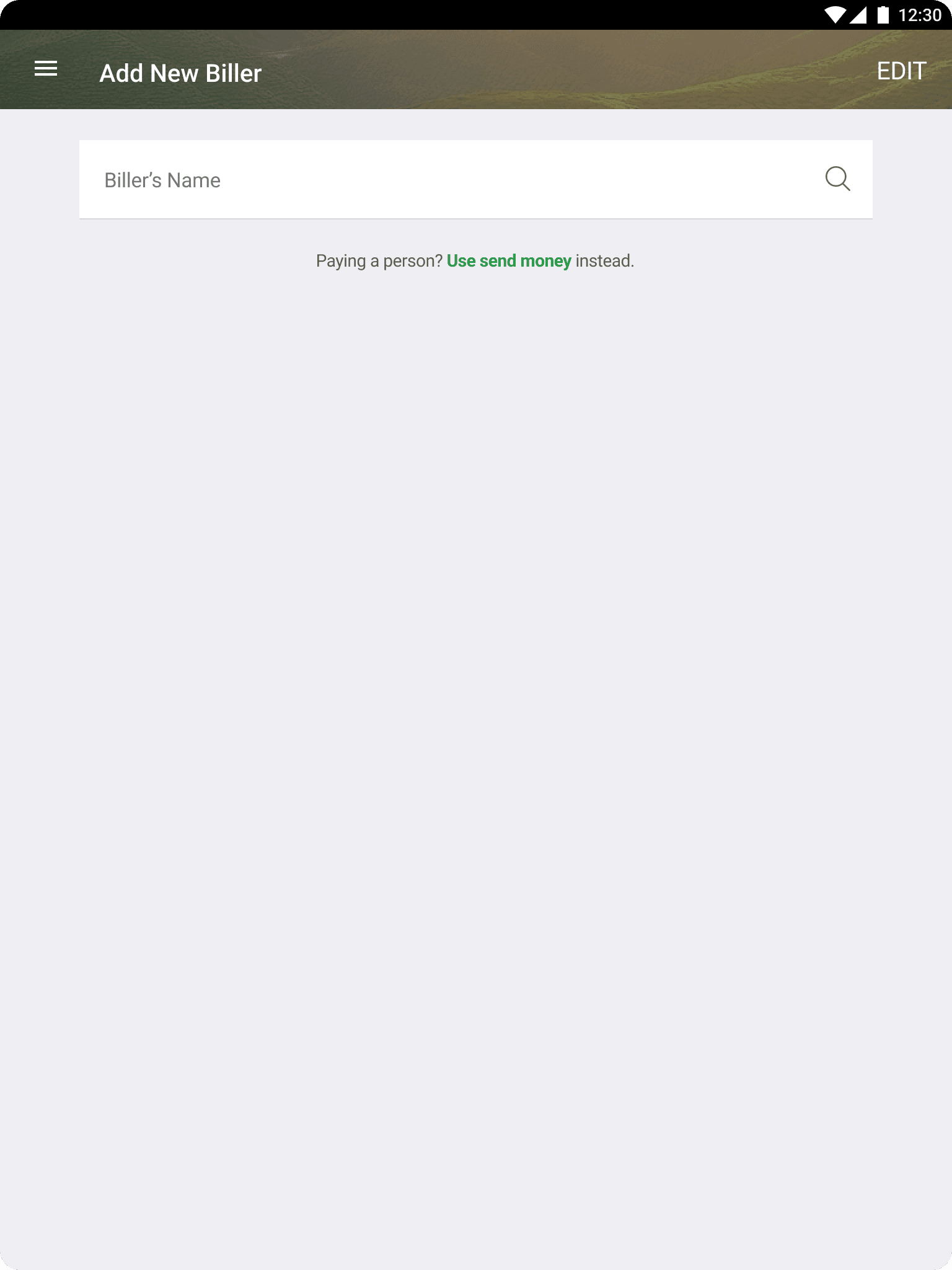
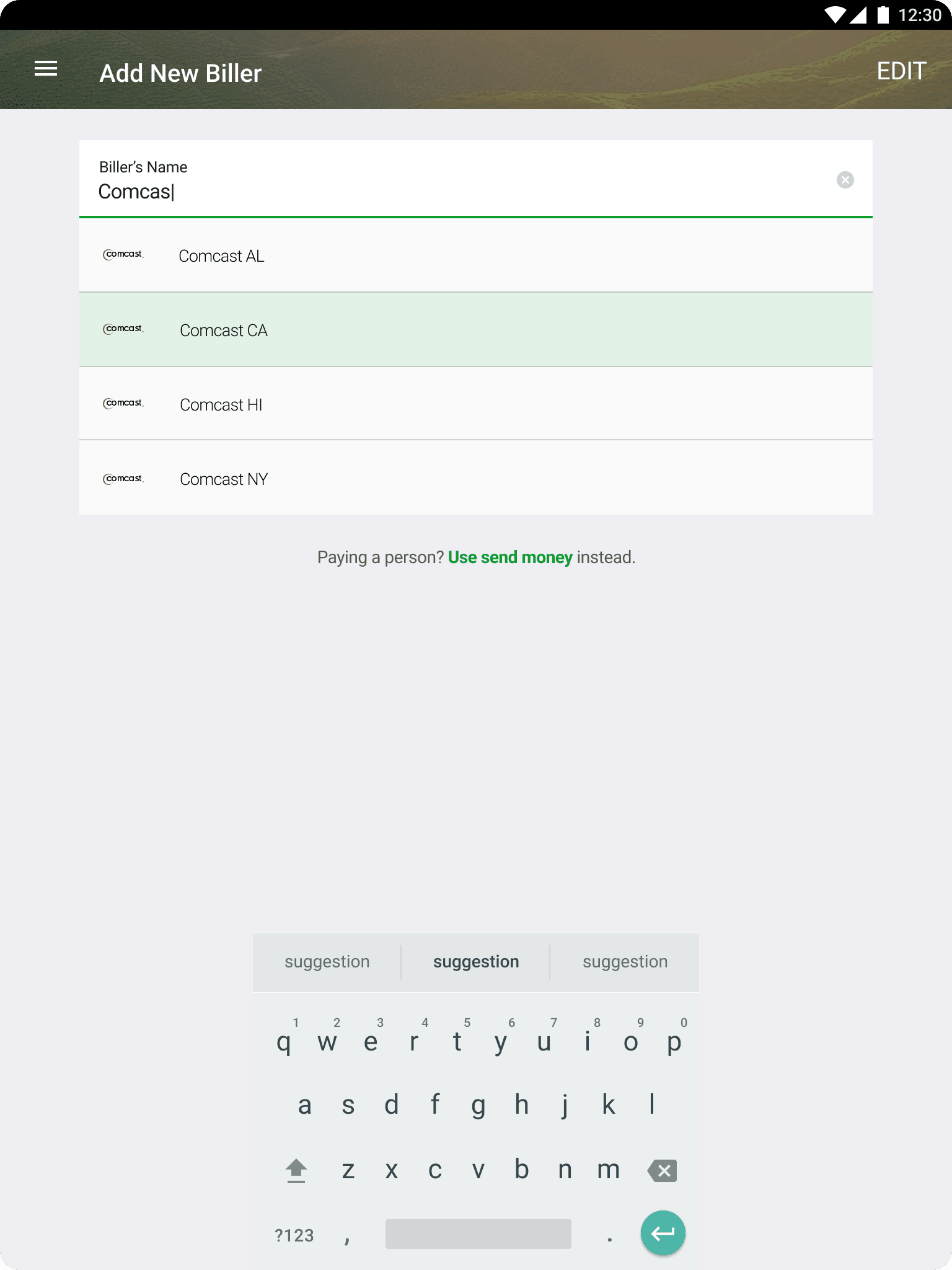
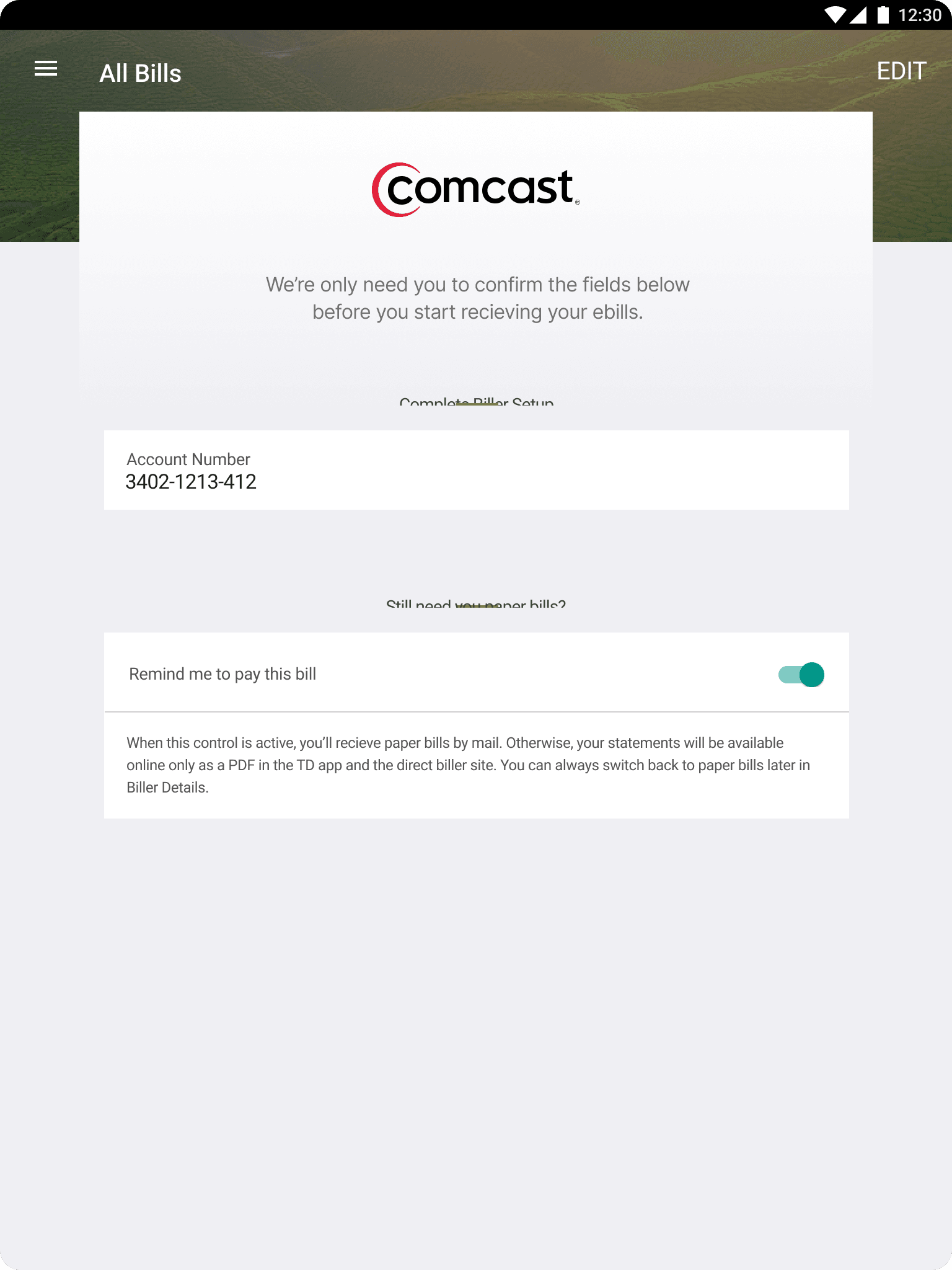
Users could manually add billers that were not found automatically by searching for the biller name. Merchant logos helped users identify the correct biller more easily as part of the vendor solution.
Adding billers
Responsive experience
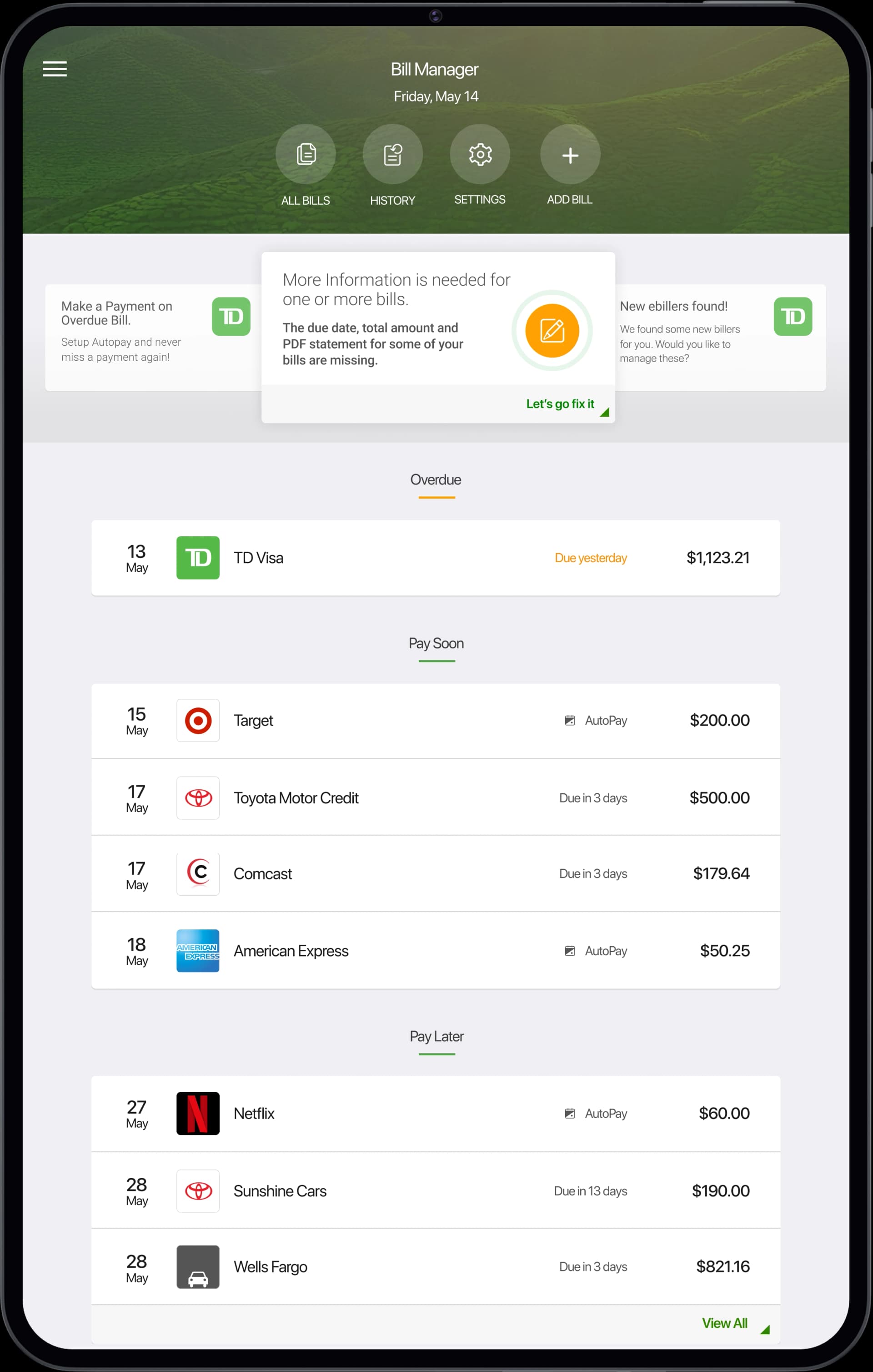
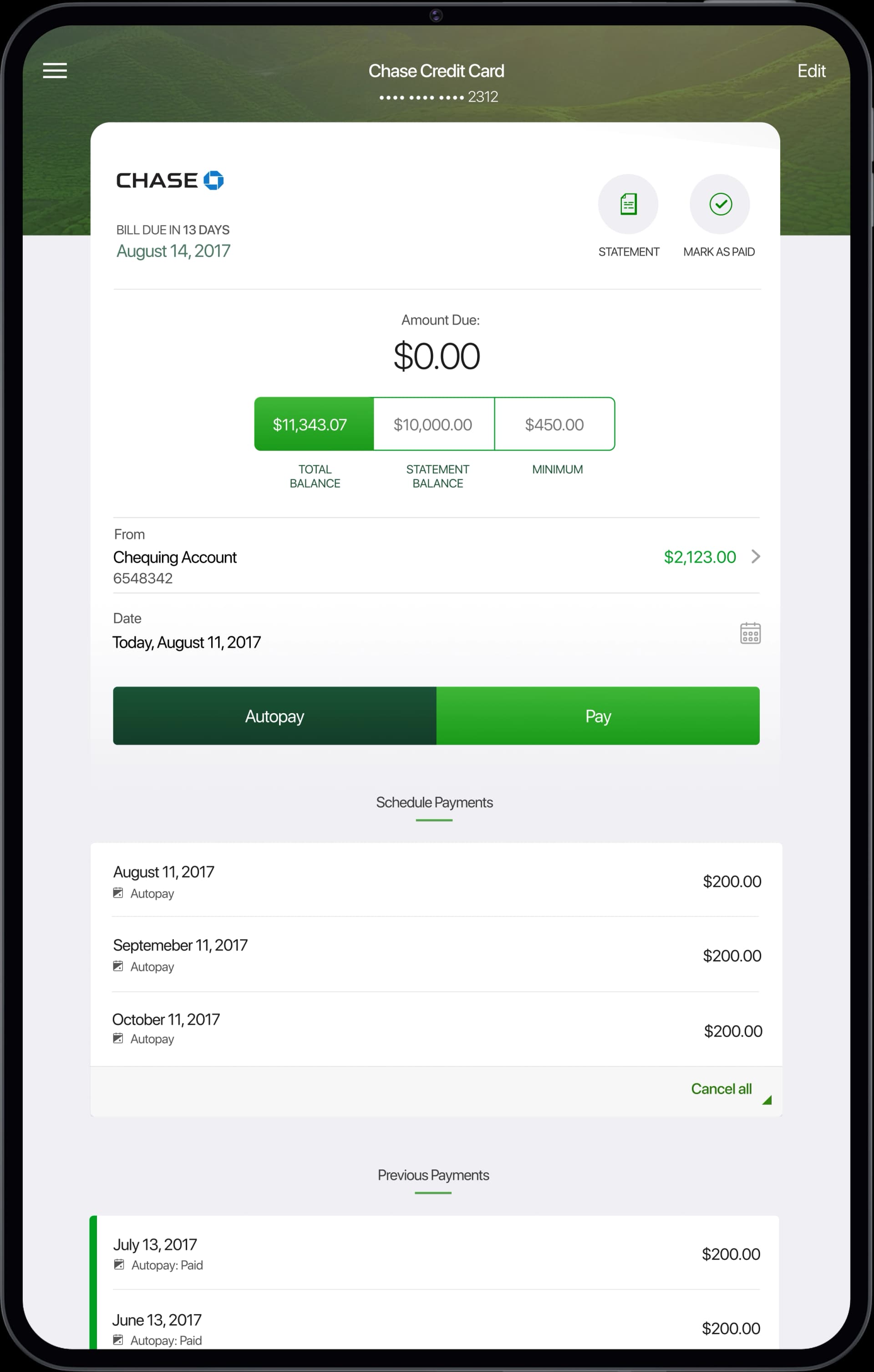
Tablet layouts for the bill list and pay bill flow.